New profiles go live the first time you save them from the profile editor. There's no separate publish step: fill in the details colleagues look for, click Save & Publish, and you appear in the directory, can be matched, and can be reached out to. Until that first save, nobody can see you — the editor says Not live yet and an amber banner at the top of every page reminds you to finish up.
If you'd rather not be listed, you can hide your profile with one click after it's live and republish whenever you're ready. This guide covers all of it.
Step 1 — Open your profile
Sign in, click your avatar in the top-right corner, and choose Edit Profile (or click Complete my profile in the amber banner — it takes you to the same page).
At the top of the page you'll see the visibility card. Before your first save it reads Not live yet — publishes when you save.
Step 2 — Fill in your information
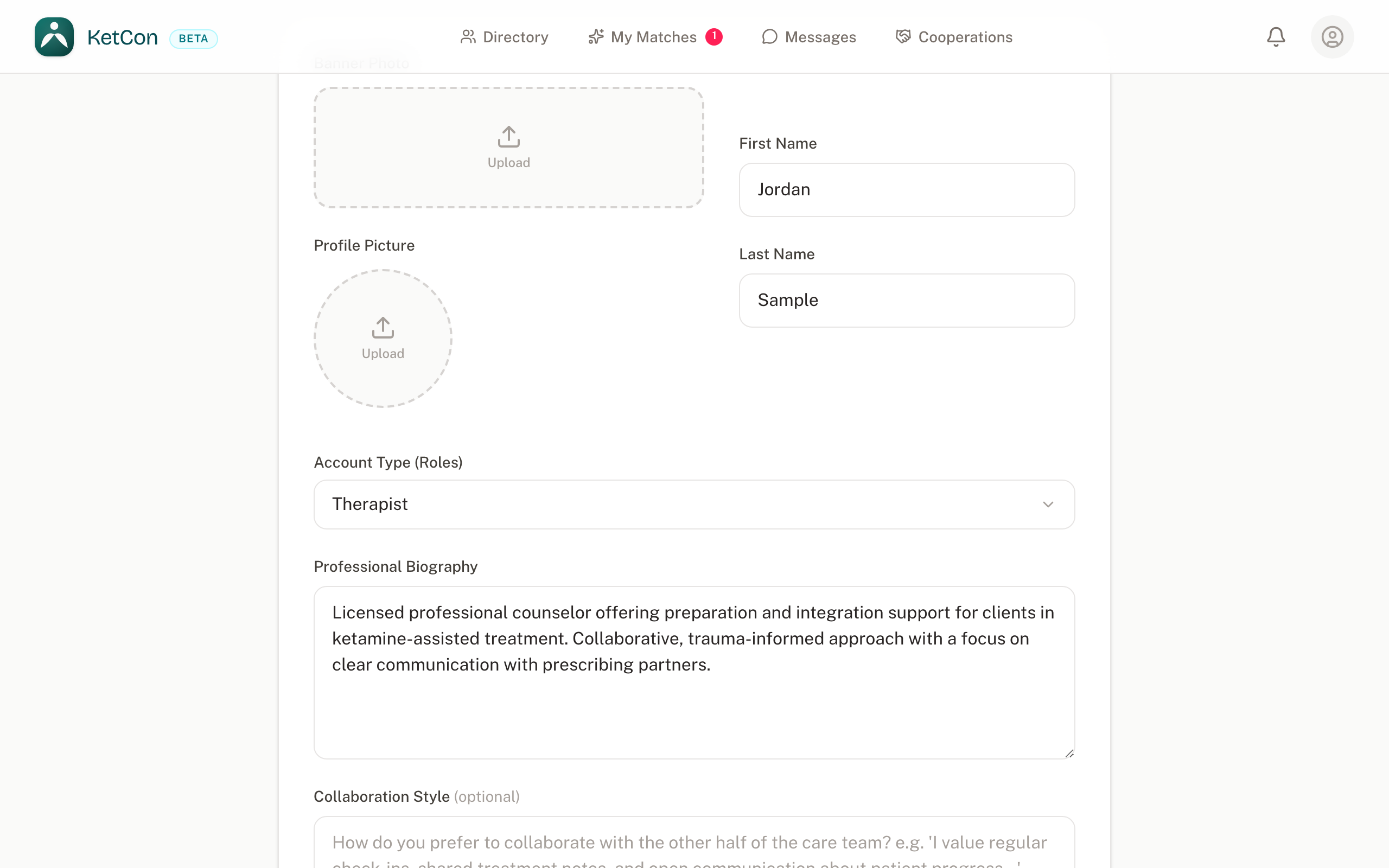
Scroll through the whole page and make sure everything a colleague would rely on is filled in, accurate, and current — this is what goes live:
- Name, credentials, and roles — exactly as you're licensed.
- Licensed states — colleagues filter by state; a missing state means missed connections, a wrong one wastes everyone's time.
- Bio and therapeutic approach — this is what people read to get a sense of who you are before reaching out.
- Contact details, fees, insurance, and telehealth — the practical facts people check before writing to you.
Step 3 — Save
Click Save & Publish at the bottom of the form. That's it — there is no approval or waiting period. The card at the top turns teal and reads Published — visible in the directory:
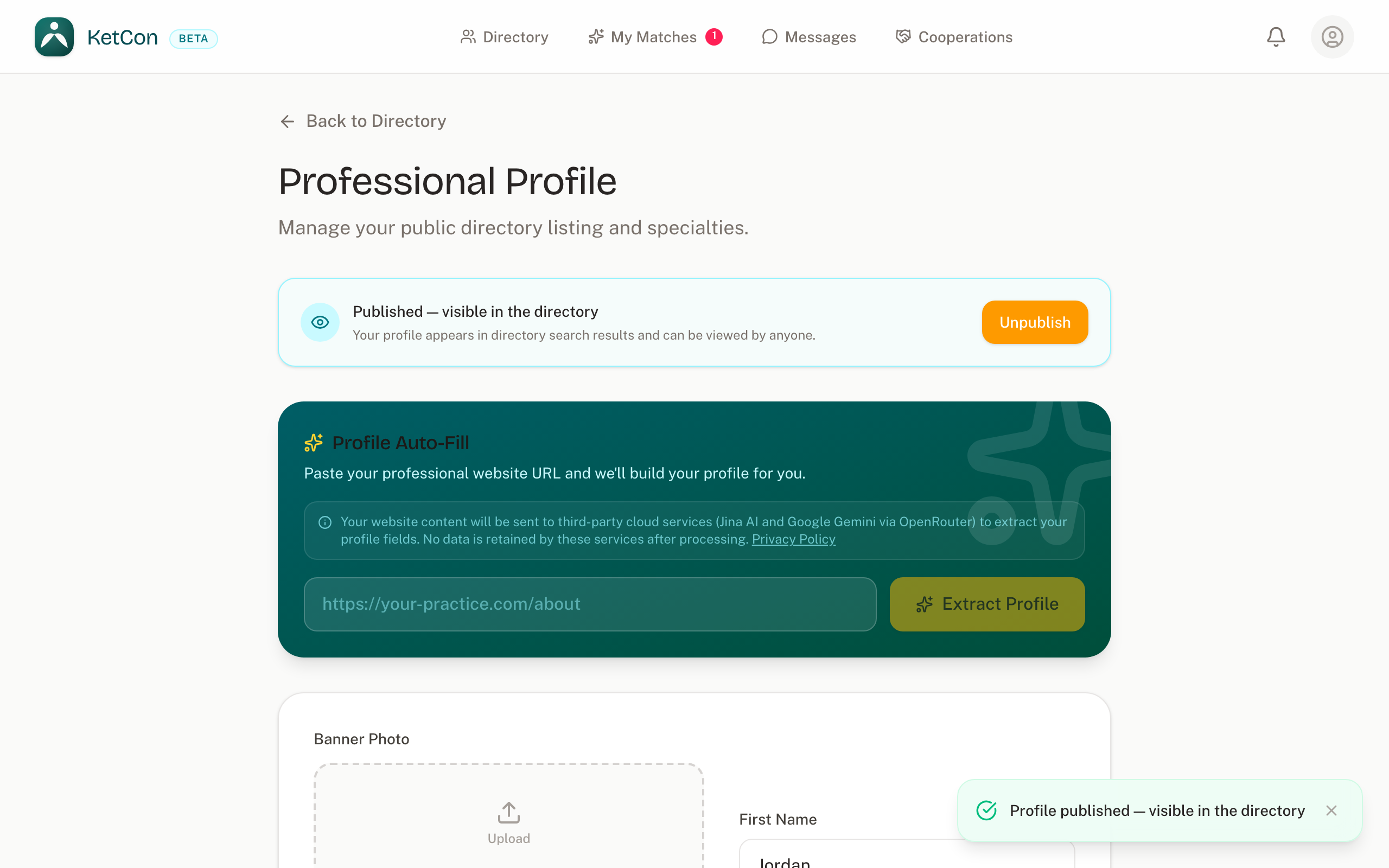
From this moment your profile appears in directory search results, can be opened by anyone with the link, and is included in matching. Later saves just save — they never change your visibility.
Note that the Licences and Contact info sections save on their own — each has its own save button and doesn't wait for the main form. Only the main form's first save publishes.
Hiding your profile
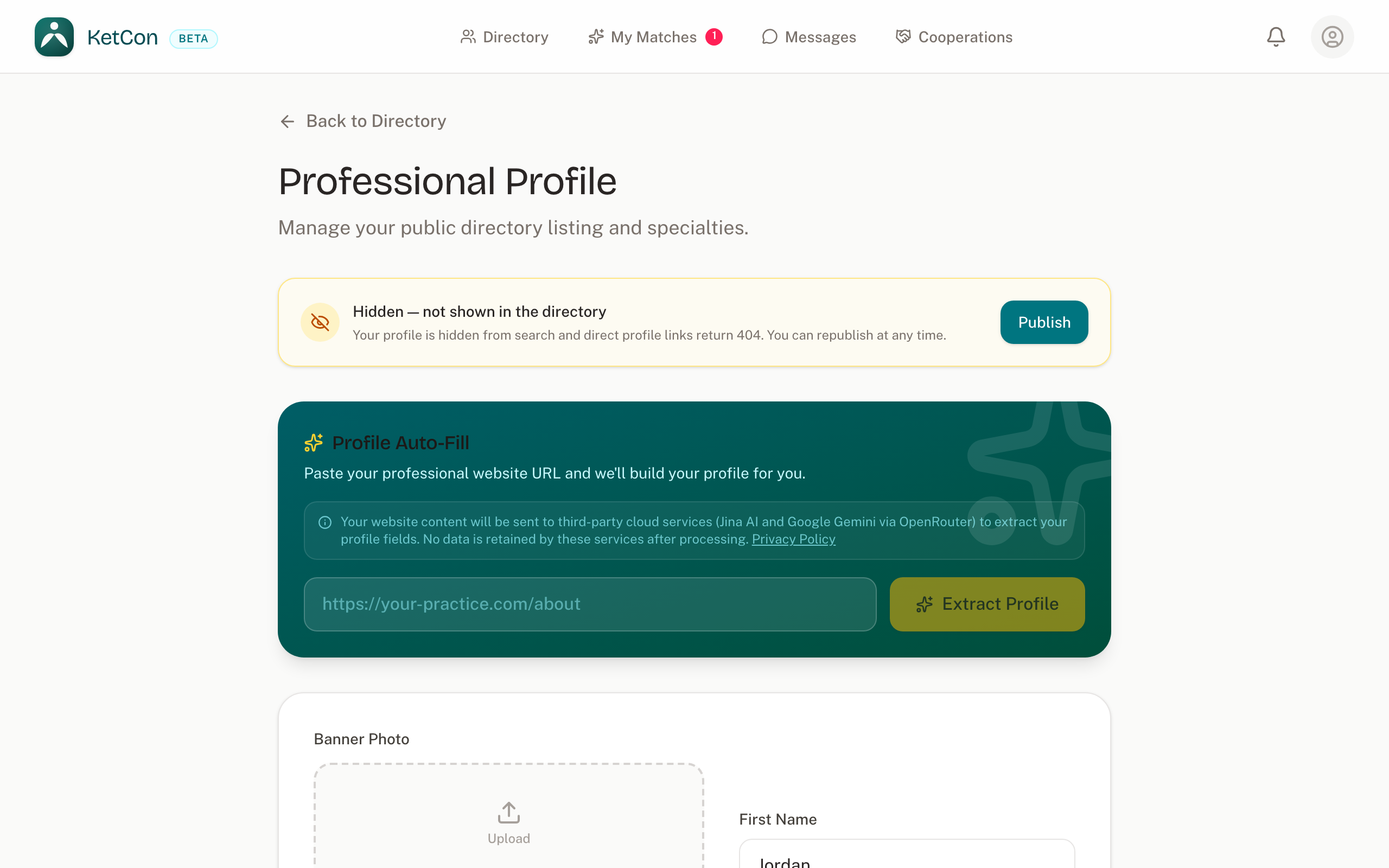
Not ready to be listed? Click Unpublish in the visibility card at the top of the page. After a quick confirmation your profile disappears from search immediately and direct links to it stop working. Nothing is deleted.
While your profile is hidden, the card turns amber and you'll see a banner at the top of every page reminding you that nobody can find you. It disappears the moment you publish again.
Publishing again
Back at the top of the profile page, click Publish in the visibility card. A short confirmation asks whether your details are current — if you want another look, Review my profile takes you back; otherwise click Publish:
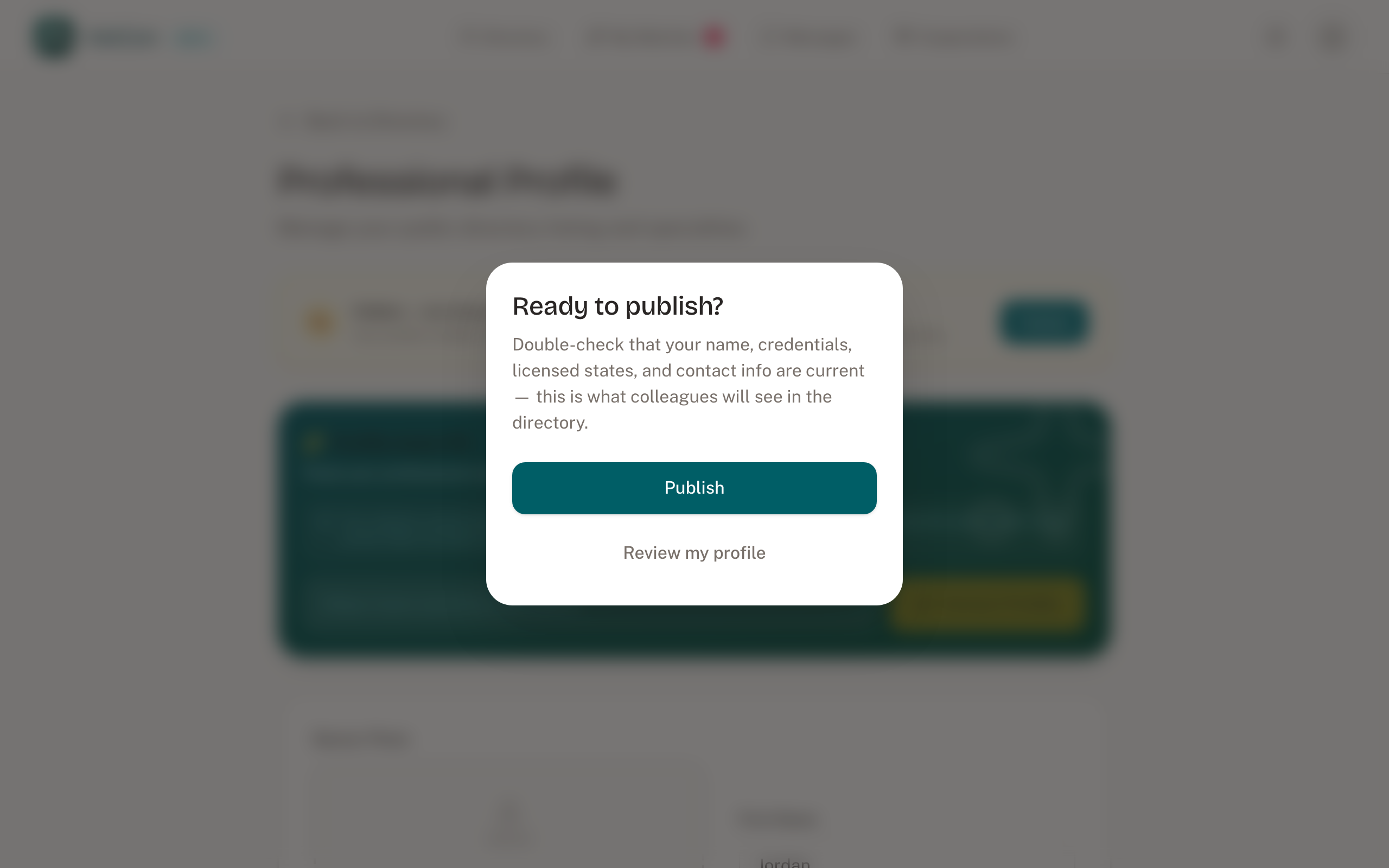
That's it — there is no approval or waiting period. From this moment your profile appears in directory search results again, can be opened by anyone with the link, and is included in matching.